Request capture and routing
Normalize the required fields, detect duplicates, and route missing information or urgency signals to your staff.
maintenance workflow automation
Keep the request, approval, vendor assignment, access details, status updates, and completion evidence connected. EMC2Ops builds the workflow; your staff authorize work, contractors perform repairs, and the designated reviewer confirms closure.
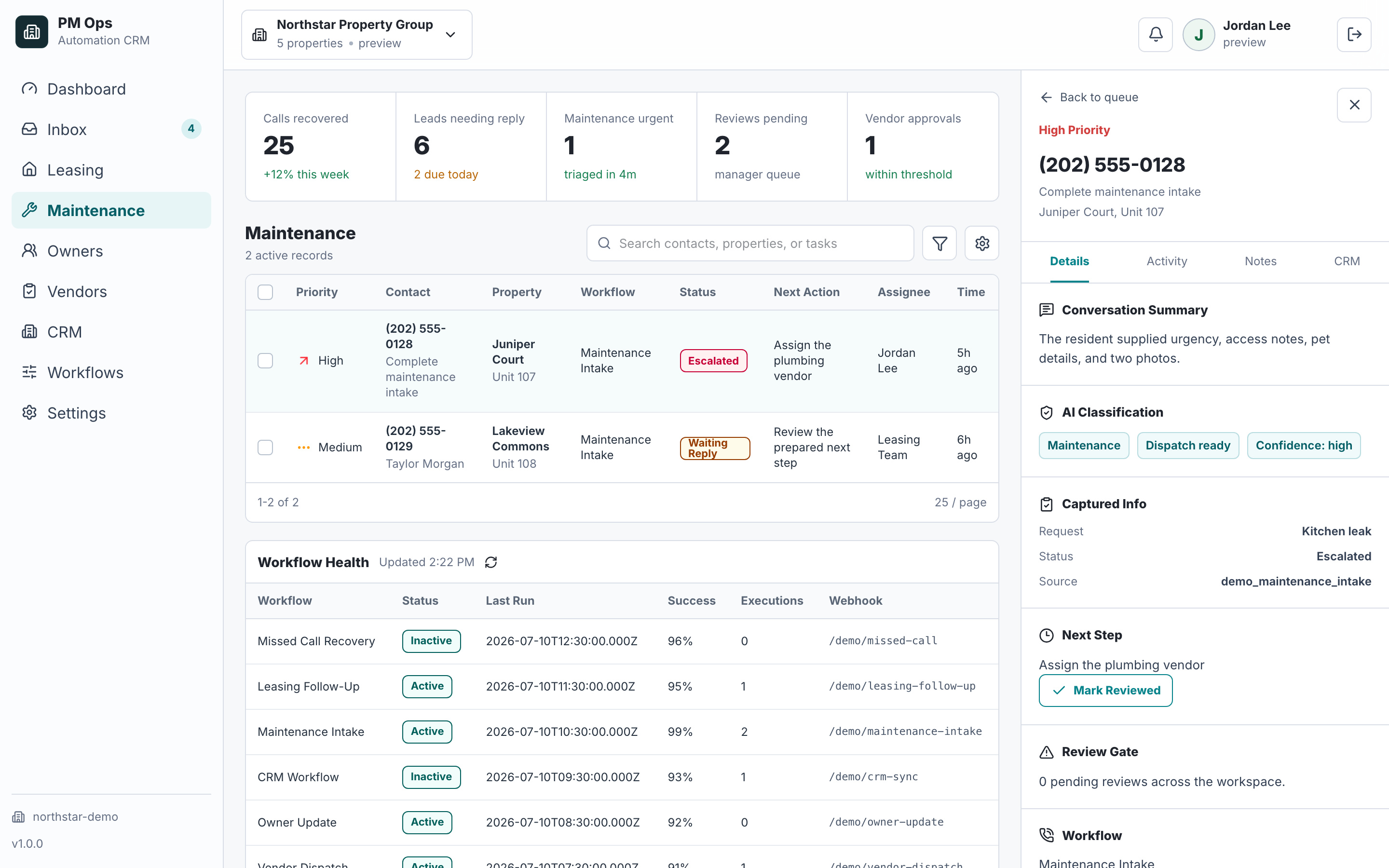
A property manager wants maintenance requests tracked from intake through verified completion.
Requests lack the unit, issue, access instructions, or supporting photos needed for review.
Vendor availability and staff approvals live in separate conversations.
A vendor saying work is done does not consistently lead to evidence review and a closed record.
Property, unit, issue, reporter, source time, and access instructions.
Intake recordReviewer, approved scope, vendor, spending limit, and approval time.
Staff reviewVendor acceptance, confirmed appointment, and update history.
Work orderNotes, evidence links, invoice reference, and closure decision.
Authorized reviewerAudit deliverables
Bring the process between a resident reporting an issue and your team closing the work order. We map ownership, approvals, supported system updates, and the exceptions that need a person.
Normalize the required fields, detect duplicates, and route missing information or urgency signals to your staff.
Send approved work details, record acceptance, and coordinate confirmed scheduling without promising unapproved dispatch.
Send approved updates and reminders only while applicable; attach replies and changes to the same work order.
Collect evidence, require closure approval, and update supported systems with retry and manual-review paths.
Integration paths
The final connection depends on account permissions, supported APIs, fields, webhooks, and the safest available fallback. EMC2Ops verifies the path before promising an automated writeback.
Starts the request and collects the approved fields, access notes, and media the selected channel supports.
Scope work-order, note, task, or review handoffs after confirming the account's supported access path.
Route structured maintenance context through verified API, middleware, inbox, form, or staff-review paths.
Create the dispatch-ready record, preserve media links, and return acceptance, delay, or completion status.
Keeps cost, policy, warranty, and high-risk decisions with the approved human reviewer.
Connect events and writebacks through supported APIs, webhooks, Zapier, Make, n8n, or custom logic.
Workflow audit
Tell us the process, software, and desired result. We will outline a plan to build your solution and confirm the access, approvals, and ongoing support it needs.
Operational change
Qualification
Yes. Intake prepares a request for staff review. This use case connects that starting point to approved vendor coordination, scheduling, updates, evidence collection, and staff-confirmed closure.
Your approved rules flag urgency signals and route the request to designated staff. People assess the situation and follow the emergency procedure. Automated intake is not professional diagnosis or a guarantee of staffed response.
A vendor can submit completion information through the agreed channel. Closure remains behind your required review gate. Missing evidence, disputed repairs, and failed record updates enter an owned exception path.
Yes, where your account supports the required access. We confirm fields and actions during scoping. A reviewed task, form, or import can carry a handoff when a direct integration is unavailable.
Next step
Use the audit to confirm the trigger, owner, required data, automation rules, stop conditions, and system-of-record update.
Hi — I’m the EMC2Ops assistant. I can answer questions, discuss the workflow you want to automate, or get a consultation on the calendar.
What brings you here?