Dispatch triggers
Qualified maintenance categories, property rules, urgency levels, and approval states that can start vendor routing.
Vendor dispatch
EMC2Ops installs vendor dispatch workflows that reduce coordination loops while preserving approvals and escalation rules.
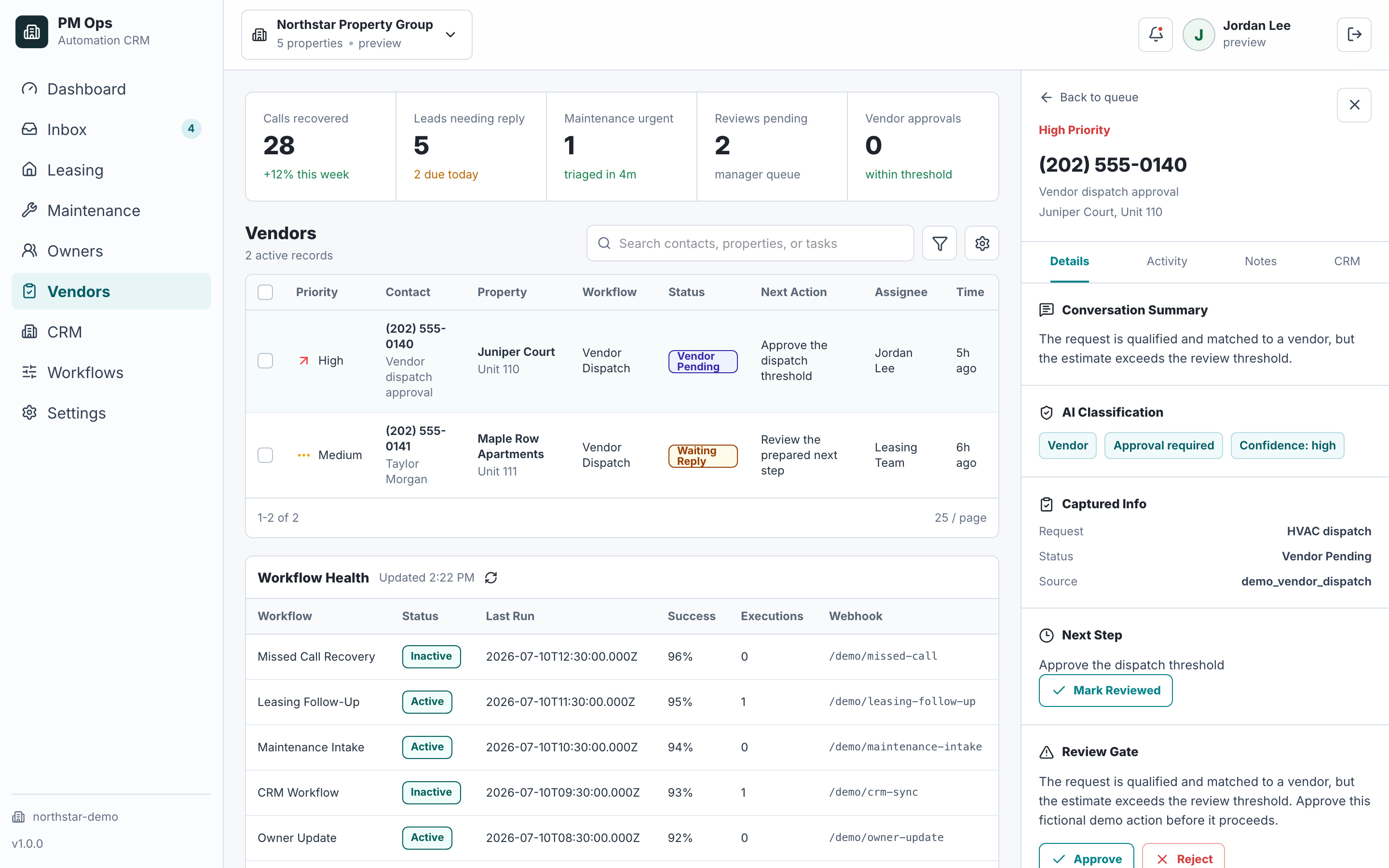
We review maintenance categories, vendor rules, approval thresholds, resident access notes, dispatch channels, and status logging.
Route categorized requests to the right vendor or staff path.
Attach issue context, access notes, resident details, and urgency.
Track dispatch status and update the CRM or work order record.
Audit deliverables
Each install is scoped around concrete triggers, captured fields, automations, writebacks, stop rules, and escalation paths.
Qualified maintenance categories, property rules, urgency levels, and approval states that can start vendor routing.
Trade, property, unit, resident access, photos, urgency, owner threshold, preferred vendor, and dispatch notes.
Vendor selection, message creation, coordinator alerts, reminder timing, and fallback routing for no response.
Dispatch status, vendor response, delay, approval, completion, and exception summaries logged to the work-order record.
Automation pauses when approval is required, staff take over, a vendor declines, or resident context changes.
Human review for emergencies, high-cost repairs, owner approvals, resident complaints, and vendor exceptions.
Workflow audit
We will map which requests can dispatch automatically, which need approval, and how vendor status should return to your operating record.
Operational change
Qualification
Yes. Vendor lists, approval thresholds, and escalation rules can be configured by property, owner, trade, or urgency.
No. Expensive or policy-sensitive repairs should keep human approval before vendor action.
Next step
Bring your process and software. In a 15-minute consultation, we’ll outline the build, required access, approvals, and next steps.
Hi — I’m the EMC2Ops assistant. I can answer questions, discuss the workflow you want to automate, or get a consultation on the calendar.
What brings you here?