Buildium connection map
API, Buildium Open API, middleware, inbox, form, or review queue path selected after access is verified.

Buildium
EMC2Ops maps each Buildium workflow automation integration to verified access, required fields, fallback paths, human approvals, and safe writebacks.
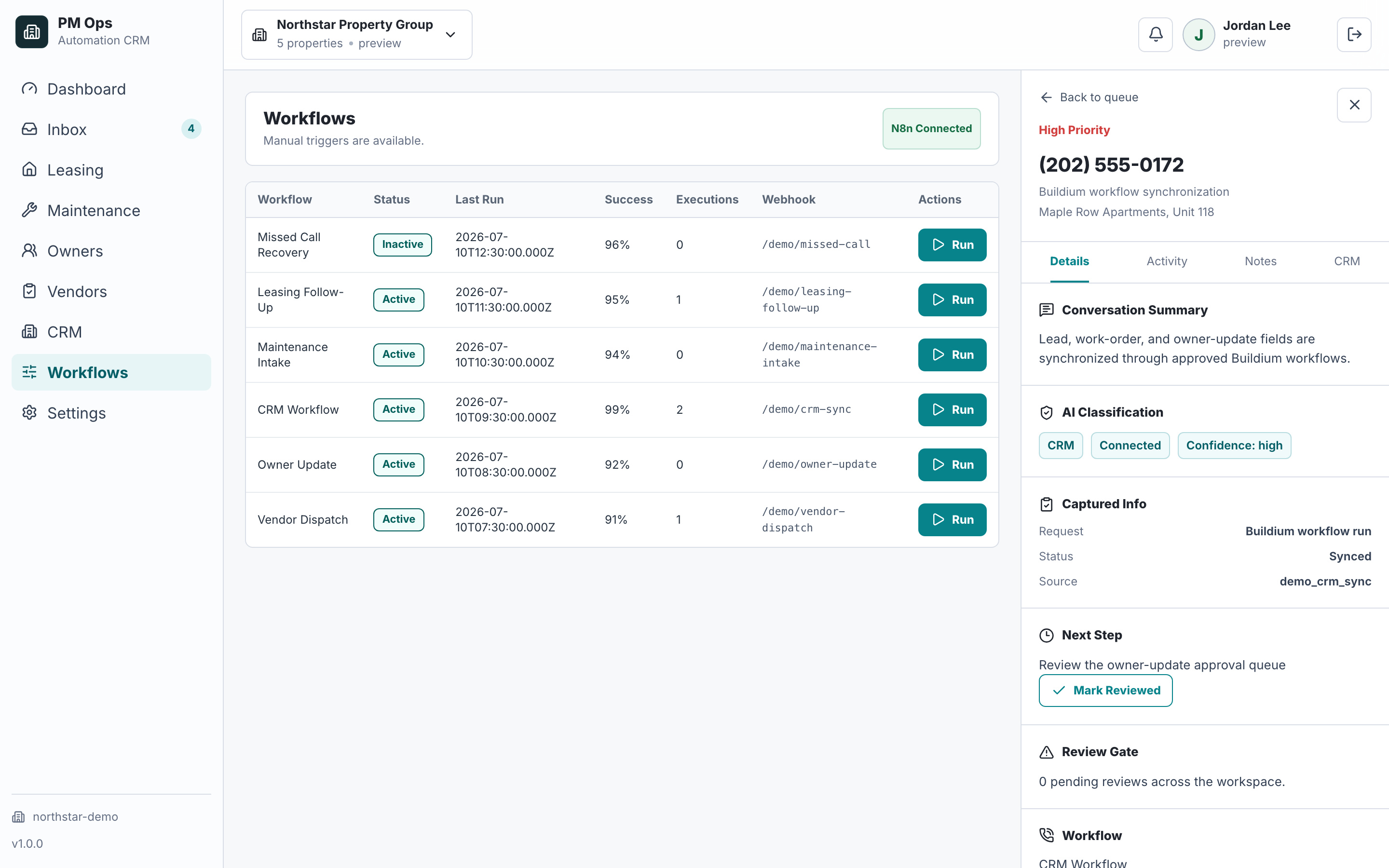
We verify where a Buildium integration can use Buildium API, Buildium Open API, middleware, inbox parsing, forms, or review queues before defining automations and writebacks.
Buildium integrations for leasing inquiry and follow-up
Buildium integration handoffs for maintenance intake
Owner update drafts and approval queues
Tasks, notes, notifications, and exception routing around Buildium
Audit deliverables
Integration work starts by choosing the safest connection path for the workflow: API, middleware, inbox or form parsing, review queue, or a hybrid route.
API, Buildium Open API, middleware, inbox, form, or review queue path selected after access is verified.
Property, person, unit, source, status, urgency, owner, approval need, and next action.
Follow-up, intake, routing, reminders, drafts, task creation, and review queues tied to your Buildium workflows.
Supported tasks, notes, notifications, summaries, or status handoffs through the safest available Buildium integration route.
Guards for permissions, duplicate updates, staff takeover, opted-out contacts, approvals, and unavailable fields.
Human review for owner updates, maintenance approvals, financial issues, resident complaints, and unusual exceptions.
Buildium API and Buildium Open API availability depend on account permissions, enabled access, endpoint coverage, and the data each workflow needs.
Some Buildium integrations can use direct API or middleware paths; others should use forms, inbox parsing, task handoffs, or human approval queues.
Owner-facing, financial, repair-approval, and policy-sensitive workflows should keep review gates unless your team explicitly approves automation rules.
Inbox or notification parsing for lead, maintenance, owner, and task events when direct API access is not enough.
Structured forms to collect missing fields before staff or middleware update Buildium.
Middleware such as Zapier, Make, n8n, webhooks, or custom scripts when surrounding tools expose the needed trigger.
Human review queues when a Buildium field cannot be written safely or an approval is required.
This illustrative mapping is a scoping worksheet, not a promise that every field or write operation is available in your account. Buildium offers an Open API with self-service API keys. Verify each required read and write operation in the current documentation and your account before choosing the connection.
Map a verified property/unit reference from the intake to the matching account record. Hold ambiguous addresses.
Confirm permitted access to the relevant records.Match a confirmed resident reference and contact route; do not rely on a name alone.
Check identity access and the approved communication channel.Carry the issue summary, received time, access instructions, and supported evidence references.
Verify which request fields and attachment operations the selected route supports.Assign an accountable staff owner and record receipt, review, or escalation.
Confirm the permitted task/status operation; otherwise create a reviewed handoff.Record the destination identifier after a confirmed update. A rejected write stays open for review.
Test authentication, permissions, response handling, and duplicate prevention.Verify current capabilities: Buildium Open API overview · Buildium developer documentation. Reviewed September 7, 2026.
Workflow audit
We will review the workflow, Buildium API or Buildium Open API availability, destination fields, fallback paths, and human approval points.
Operational change
The Buildium workflow you want to improve and where it starts today.
Known Buildium API or Buildium Open API access details, if available.
Examples of required fields, notes, tasks, and status updates.
Exceptions that should route to staff before any message or update is sent.
Qualification
Buildium integration automation connects Buildium-adjacent leasing, maintenance, owner update, task, note, notification, and CRM workflows through the safest available API, middleware, inbox, form, or review-queue path.
Yes, when the workflow can be supported by your Buildium setup, permissions, available APIs, webhooks, middleware, or approved handoff path.
Not always. Some workflows use API access, while others use middleware, email parsing, forms, task handoffs, or human approval queues depending on the data that needs to move.
Yes. Approval steps are recommended for owner-facing updates, repair approvals, policy-sensitive issues, and unusual resident conversations.
We review the current trigger, where data should land, the required fields, permission constraints, and how exceptions should route.
Next step
Use the audit to confirm the connection path, required fields, fallback route, review gates, and first workflow to deploy.
Hi — I’m the EMC2Ops assistant. I can answer questions, discuss the workflow you want to automate, or get a consultation on the calendar.
What brings you here?