Journey triggers
Inquiry, qualification, booking, no-show, application start, missing items, approval, and move-in readiness.
lead-to-lease automation
EMC2Ops helps property managers turn the lead to lease workflow into one tracked path across first inquiry, qualification, tour scheduling, application follow-up, approval routing, and move-in handoff.
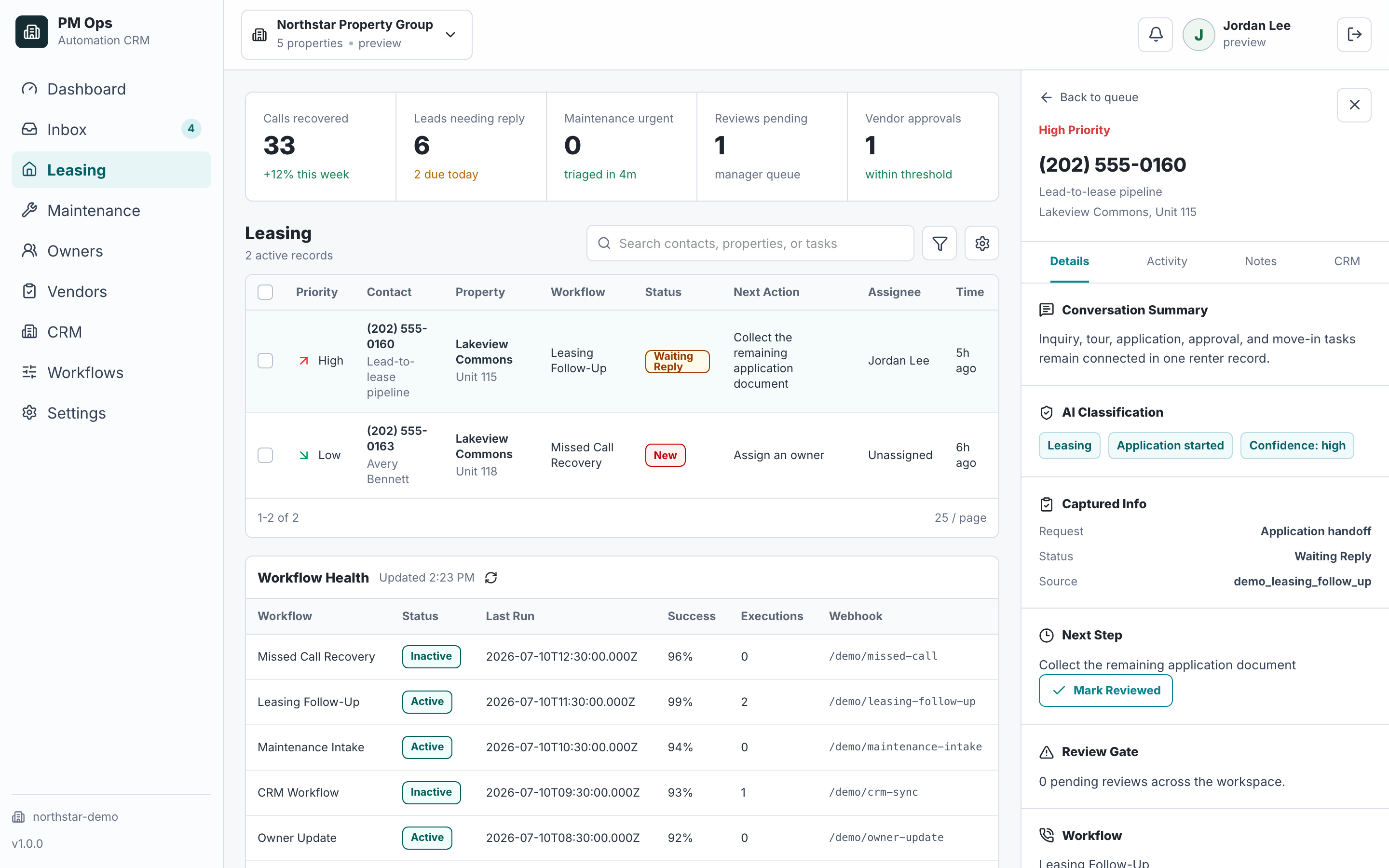
A leasing team wants the full inquiry-to-lease path to move faster and with fewer dropped steps.
The renter journey breaks when the workflow for lease management is spread across inquiry, tour, application, approval, and move-in handoffs.
No-shows and partial applications do not trigger timely recovery steps.
CRM stages lag behind what actually happened in calls, texts, and inboxes.
Managers cannot see which step is leaking qualified renters.
Enter: verified contact and property. Exit: assigned owner and agreed next action. Missing identity → review.
Leasing intakeEnter: tour request. Exit: confirmed booking, then recorded attendance or no-show. Calendar failure → staff task.
Leasing/calendar ownerEnter: application started. Exit: required submission confirmed. Missing items → reminder; sensitive questions → staff.
Application coordinatorEnter: complete application ready for review. Exit: recorded staff decision and verified lease state. Never infer approval.
Authorized managerEnter: staff-approved lease handoff. Exit: required readiness items verified. Missing evidence keeps the task open.
Move-in coordinatorAudit deliverables
We review the full lead to lease workflow across inquiry, qualification, tour, application, approval, move-in readiness, CRM stages, and handoffs.
Inquiry, qualification, booking, no-show, application start, missing items, approval, and move-in readiness.
Source, property, unit fit, budget, move date, tour status, application status, and required next action.
Booking prompts, reminders, no-show recovery, application follow-up, approval routing, and move-in tasks.
Lead stage, tour status, application progress, owner, next task, and move-in readiness logged in one path.
Controls for staff takeover, opt-outs, disqualification, completed applications, and sensitive questions.
Human review for pricing, accommodation requests, approvals, exceptions, and lease-management questions.
Workflow audit
We will trace a renter from first inquiry to move-in and find the stage where automation should protect conversion first.
Operational change
Qualification
Lead-to-lease automation connects the renter journey from first inquiry through qualification, tour scheduling, application follow-up, approval routing, and move-in handoff.
Start with inquiry capture, tour booking, reminders, no-show recovery, application follow-up, and CRM status updates because those stages have clear triggers and measurable outcomes.
No. It handles repetitive reminders, routing, CRM logging, and status updates so leasing staff can focus on the conversations that need judgment.
Next step
Use the audit to confirm the trigger, owner, required data, automation rules, stop conditions, and system-of-record update.
Hi — I’m the EMC2Ops assistant. I can answer questions, discuss the workflow you want to automate, or get a consultation on the calendar.
What brings you here?