Follow-up triggers
New inquiries, missed calls, stale replies, no-shows, incomplete applications, and stalled approvals.
real estate lead follow up automation
EMC2Ops builds real estate lead management and follow-up workflows for rental inquiries and prospective property-owner clients. Each audience gets its own stages, approved messages, assigned staff member, and next task in the tools your team already uses.
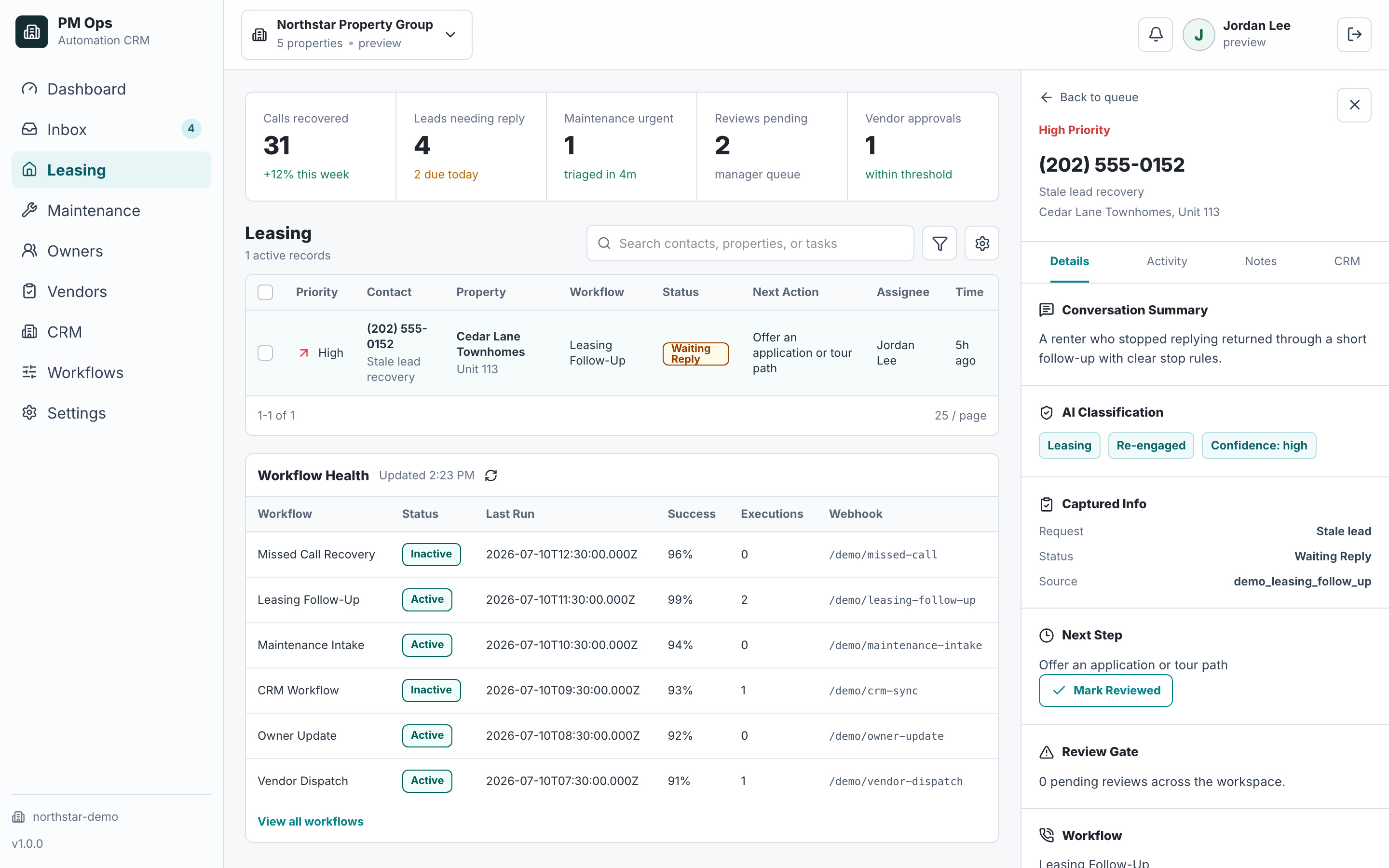
A team wants automated follow-up that protects speed-to-lead without sounding careless.
Warm renters go cold because the first response or second touch takes too long.
Teams send generic follow-up that ignores move date, property fit, budget, or tour status.
No-shows, stale replies, and incomplete applications sit in the CRM without a next action.
Automation keeps messaging after a staff member already responded.
Renter leasing inquiry or prospective owner-service inquiry; preserve the original channel and property reference.
Intake ownerInquiry → requested/confirmed tour → application handoff; keep screening decisions with authorized staff.
Leasing teamService inquiry → discovery appointment → scoped follow-up; keep proposals and commercial commitments under staff review.
Business-development ownerApprove purpose, permitted channel, timing, and stop conditions separately for each audience.
Responsible managerVerify a normal inquiry, reply, booking, opt-out, staff takeover, and failed CRM update for each enabled path.
Implementation reviewerAudit deliverables
We deliver the source and stage map, approved sequence rules, field mappings, suppression checks, exception queue, and acceptance tests. Bring a renter inquiry and an owner-service inquiry so the scope reflects both journeys.
New inquiries, missed calls, stale replies, no-shows, incomplete applications, and stalled approvals.
Source, property, last action, move date, unit fit, consent, current stage, and staff owner.
SMS, email, and task prompts that ask for the next action instead of sending generic nurture copy.
Reply status, stage, next owner, task due date, booked event, and sequence outcome.
Automation stops when staff reply, a renter opts out, a tour is booked, or a question needs review.
Staff handoff for pricing, accommodations, unusual renter questions, complaints, or high-intent replies.
Workflow audit
We will inspect where leads stall and define the first sequence that can safely improve response, booking, or application completion.
Operational change
Qualification
Leasing lead management connects the inquiry source, renter details, assigned property team, current stage, and next action. The workflow follows up on a defined task and updates or stops when the renter replies, books, applies, opts out, or reaches staff review.
This page covers rental inquiries and prospective owners seeking property management services, with separate workflows for each. Buyer, seller, brokerage, or investor-acquisition workflows require their own scope. The service does not supply a brokerage CRM or a source of new leads.
The first message should acknowledge the inquiry, confirm the property or unit interest, and ask for the next piece of context needed to book, qualify, or route the lead.
Use short sequences, clear stop rules, opt-out handling, stage-based timing, and escalation to staff when the lead asks a specific or sensitive question.
Next step
Use the audit to confirm the trigger, owner, required data, automation rules, stop conditions, and system-of-record update.
Hi — I’m the EMC2Ops assistant. I can answer questions, discuss the workflow you want to automate, or get a consultation on the calendar.
What brings you here?